Minimal image self-hosting
In the Tildes Minecraft weekly thread a little while back, there was some discussion about self-hosting images. I've finally done the thing, and figured I'd share the results. The primary goal is...
In the Tildes Minecraft weekly thread a little while back, there was some discussion about self-hosting images. I've finally done the thing, and figured I'd share the results.
The primary goal is to make something as simple as possible: I don't really care about galleries or albums, or different file formats, or fancy automatic deduplication etc. I just want to grab an image and throw it up on a link that I can share.
I do care about easily importing images from various sources, and stripping image metadata.
The simplest solution I came up with that addresses all these while requiring minimal changes to my existing self-hosted setup is this:
- Serve a directory of static files from
/var/www/i.allemangd.devon a subdomain with a newserver {}block in my existing nginx config. - Upload images to that directory via
scp. Then access is controlled by SSH and VPN and I don't need to worry about authentication. - Convert everything to
webpand strip metadata with imagemagick. - Don't worry about albums or galleries with the automated tool. I can manually edit the folder structure or rename via ssh/sshfs, but the automated tool just dumps images to a flat directory of
$(uuidgen).webp. - Pull from the clipboard via
xclipby default (I only need to support one platform), or via stdin, path, or url on the command line. - Everything in a short autoloded zsh function, and configure destination host/dir/url by environment variables in zshrc.
The code is at https://git.allemangd.dev/me/imup. @creesch, @Durinthal, @hamstergeddon, @trim: you all participated in my call for recommendations, so have a ping here in case you're interested in the solution I've landed on.
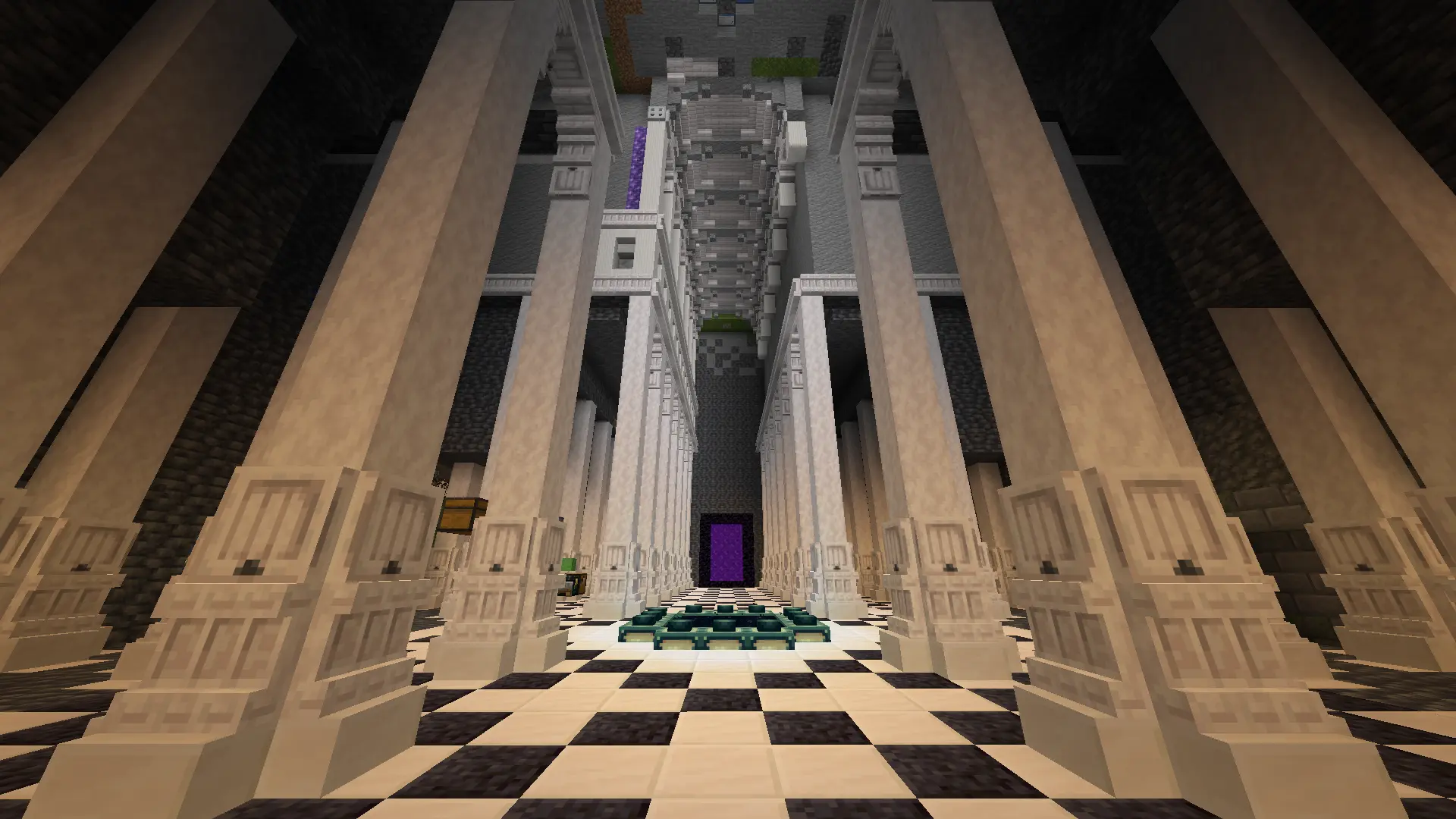
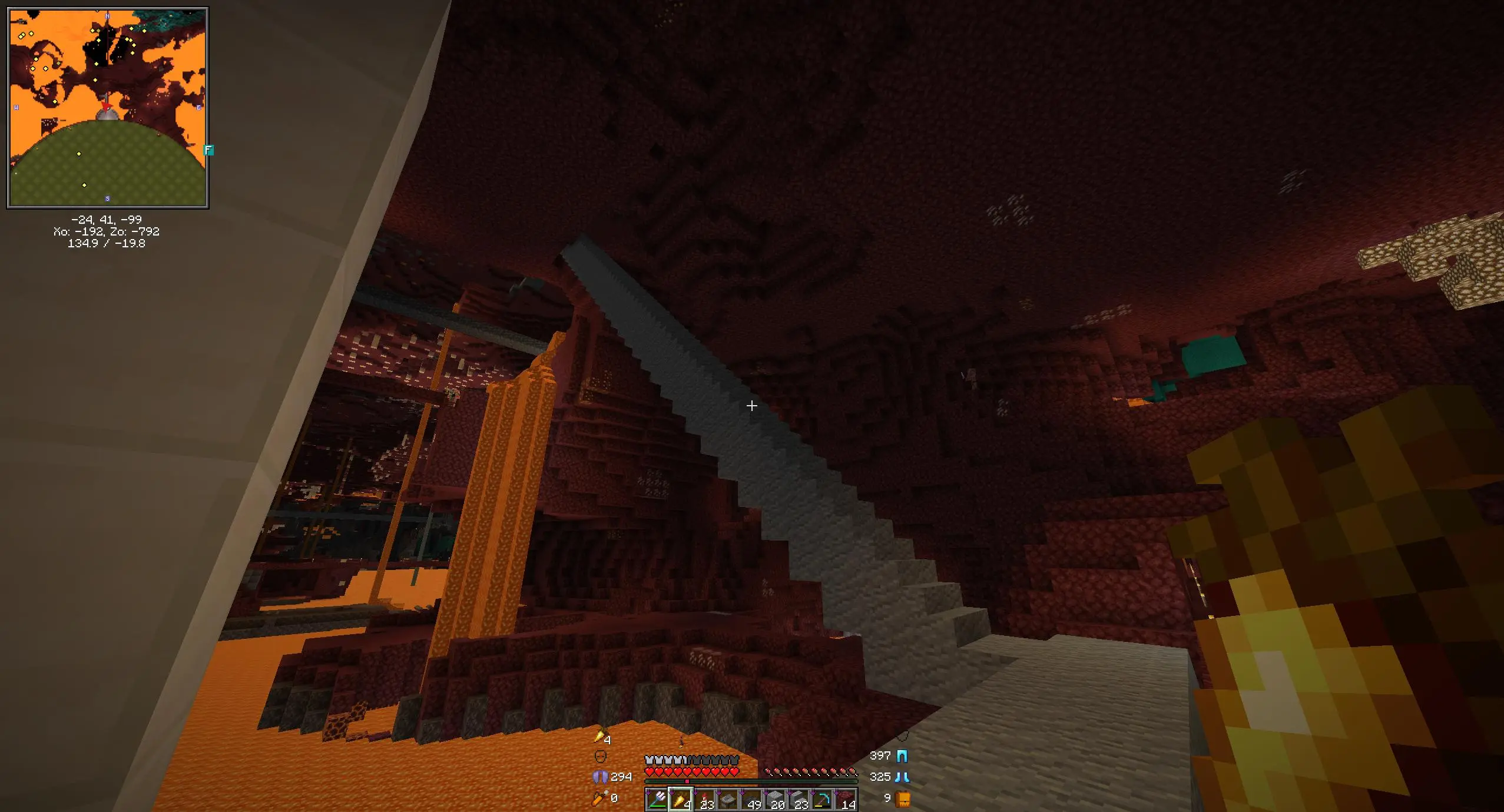
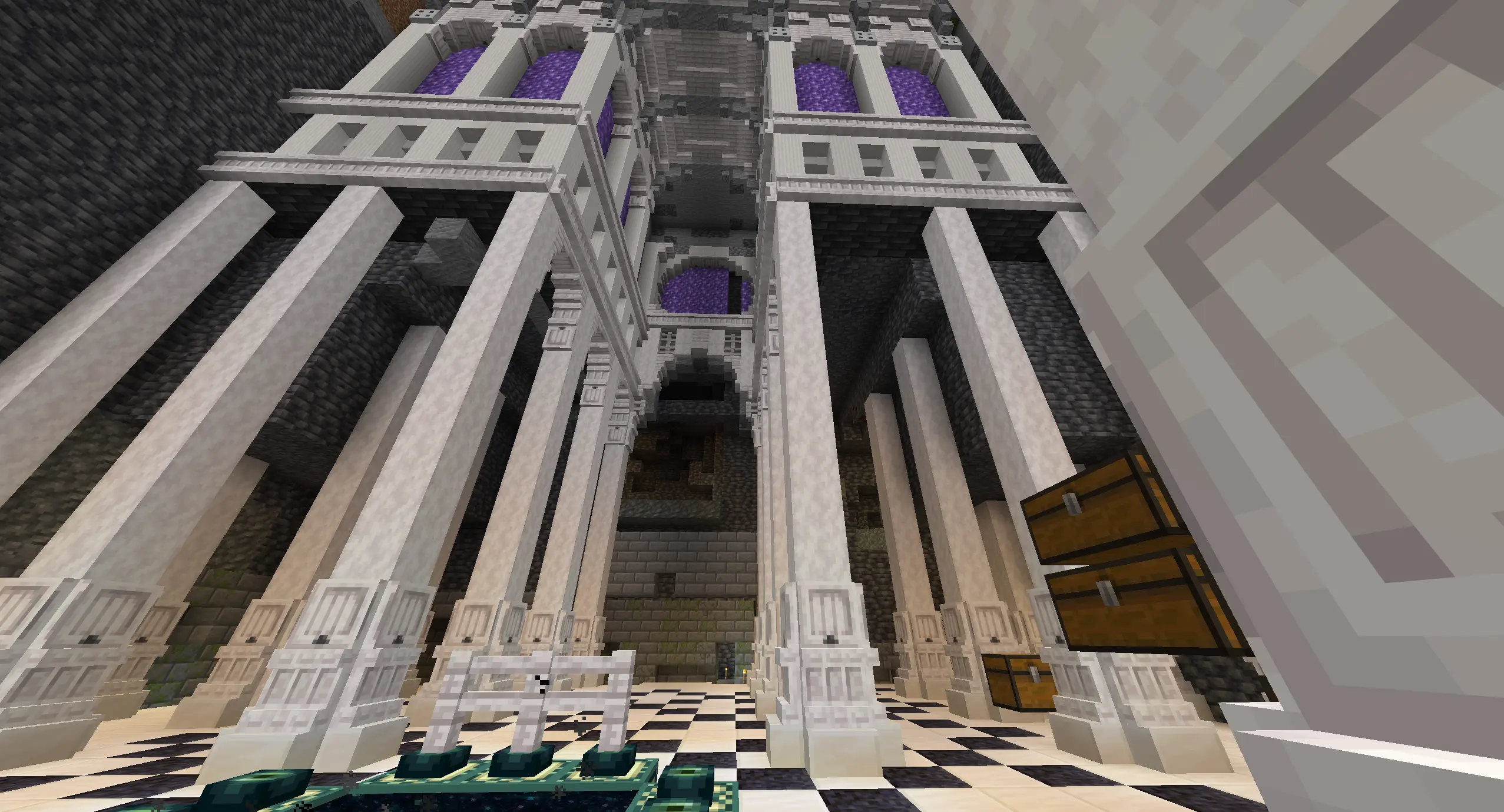
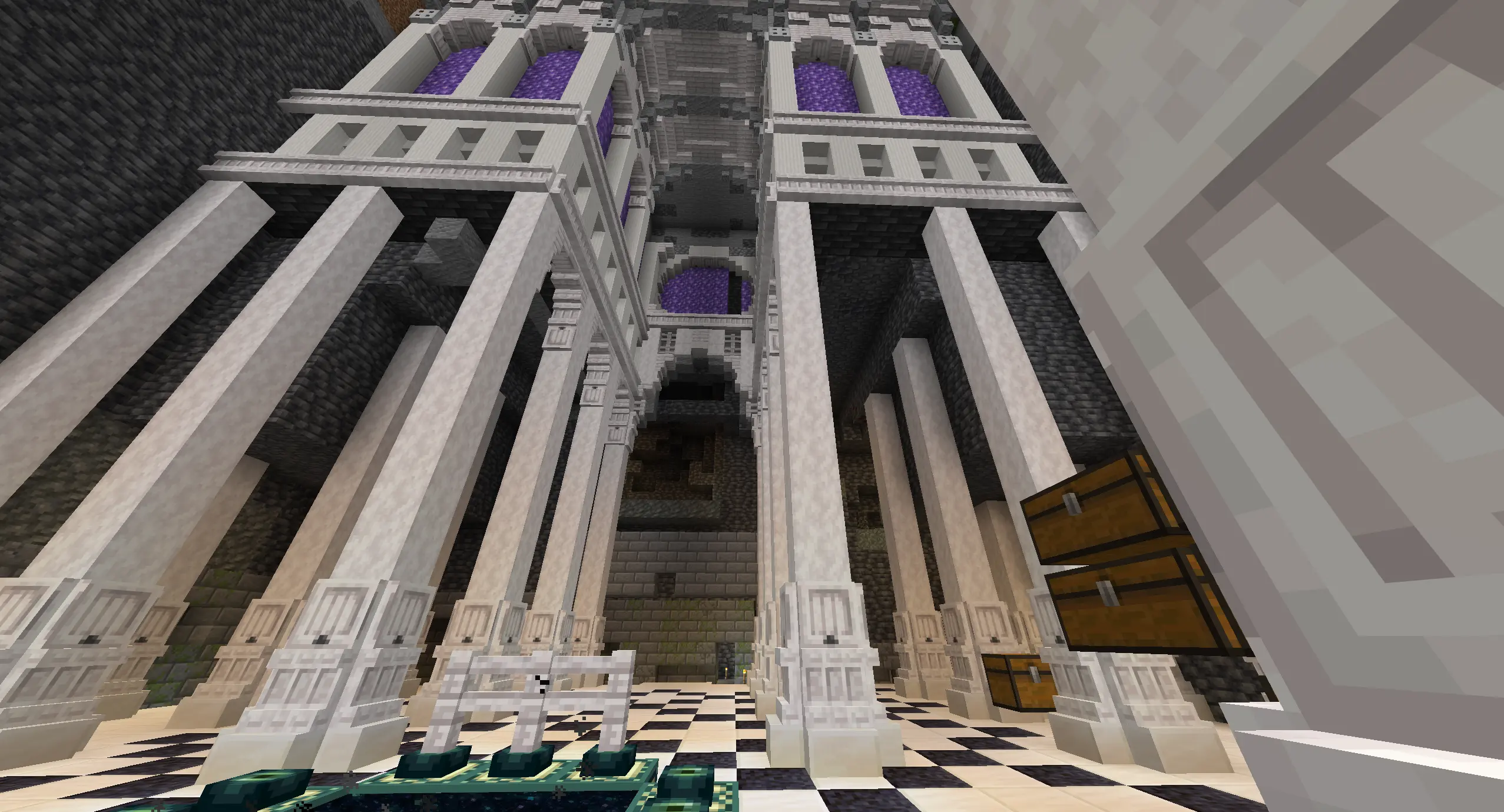
So, with all that, I'll move some of my minecraft screenshots off of imgur via this tool:
$ imup \
  'https://i.imgur.com/ecokmB1.png' 'https://i.imgur.com/UNs1mlr.jpeg' 'https://i.imgur.com/83ChnpP.png' \
  2026-01-20_22.15.08.png  2026-01-21_23.06.18.png \
  --tag mc
Output
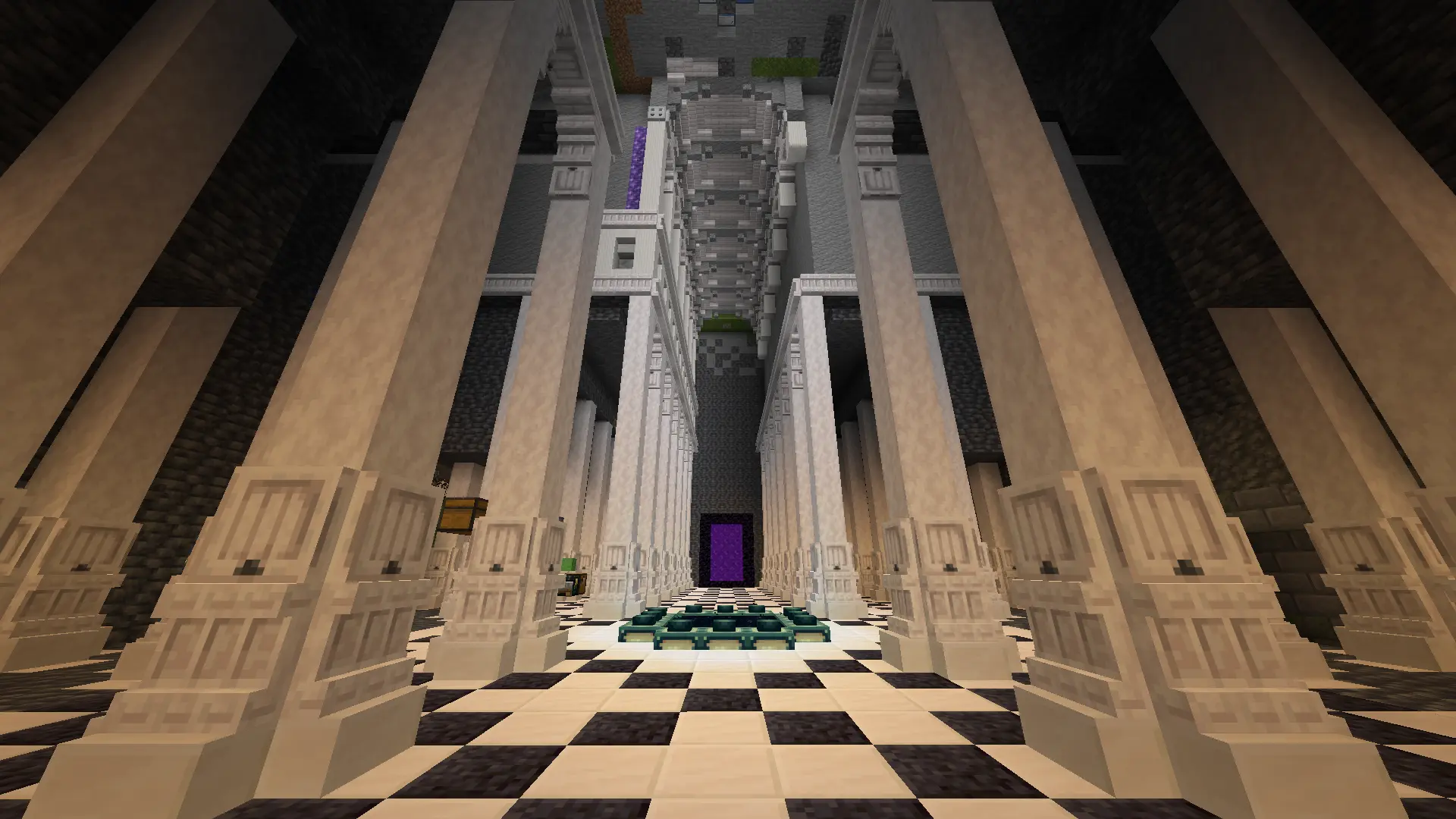
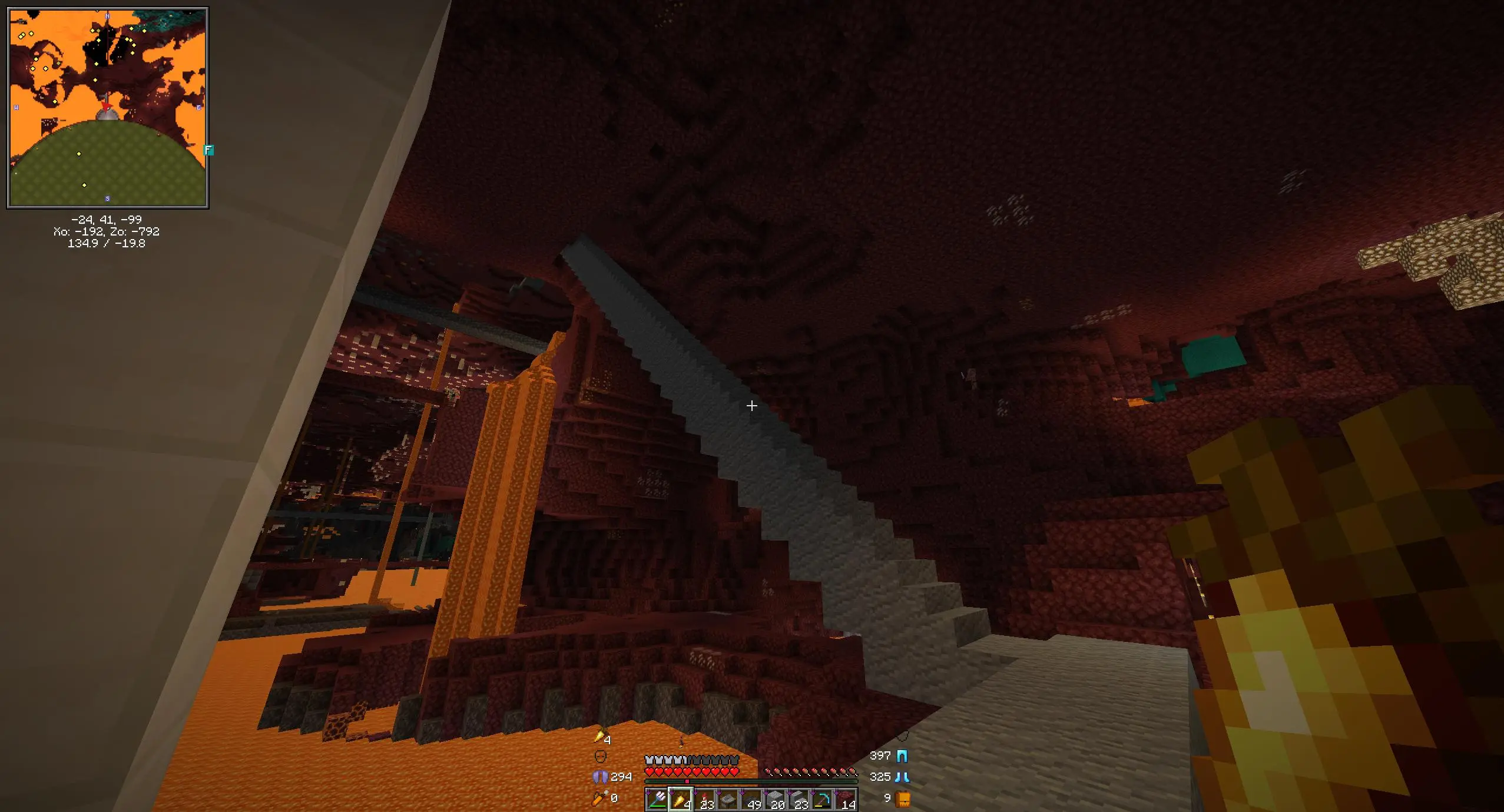
Note the ones from the screenshots folder are skipped, since I already ran imup * --tag mc in that directory. Also note that one of the imgur screenshots is skipped, because it came from one of those files.
- https://i.allemangd.dev/8b55e76472cb.webp (uploaded https://i.imgur.com/ecokmB1.png)
https://i.allemangd.dev/mc/8b55e76472cb.webp (tagged) - https://i.allemangd.dev/b6af9608c470.webp (uploaded https://i.imgur.com/UNs1mlr.jpeg)
https://i.allemangd.dev/mc/b6af9608c470.webp (tagged) - https://i.allemangd.dev/f317c121f1ab.webp (skipped https://i.imgur.com/83ChnpP.png)
https://i.allemangd.dev/mc/f317c121f1ab.webp (skipped) - https://i.allemangd.dev/e323ce99b07b.webp (skipped 2026-01-20_22.15.08.png)
https://i.allemangd.dev/mc/e323ce99b07b.webp (skipped) - https://i.allemangd.dev/11ef9831f1cc.webp (skipped 2026-01-21_23.06.18.png)
https://i.allemangd.dev/mc/11ef9831f1cc.webp (skipped)



I expect the two workflows from here on will be one of:
Navigate to my minecraft screenshots directory and executeNow just runimup $(date -I)_*.pngto share recent updates on the weekly thread.imup *.png.Prt Sc; "Copy to Clipboard";imup; Paste the url.
Some adjustments I might make in the future are:
-
Instead of naming the file by aThis is done.uuid, name the file by a hash. This way reuploading files won't explode the size of that directory - my "weekly update" thing could just beimup *.pngin the screenshots directory. -
Synchronize viaInstead I now synchronize via temporaryrsyncinstead ofscp. It should be faster.sshfs. I think rsync in principle could be faster but this is easier. -
Set up anI think I will not do this for fear of accidentally leaking something via an automatically-uploaded file in that directory. Better to be explicit.sshfsmount with this connection so my minecraft screenshots folder links directly to the static files, likehttps://i.allemangd.dev/mc/<date>.png. Then no manual commands are necessary. I'm a little hesitant to do that, though, since I'm not sure what happens if I putsshfsto offline host in myfstab, and probably not all my screenshots need to be public.
UPDATE: I've rewritten the thing in Python. I now name the files by hash and have a simple linking scheme for "tags". Installation is as easy as uv tool install git+https://git.allemangd.dev/me/imup, and I can carry my config around in dotfiles.