• Activity
  • Votes
  • Comments
  • New
  • All activity
    1. What programming/technical projects have you been working on?

      This is a recurring post to discuss programming or other technical projects that we've been working on. Tell us about one of your recent projects, either at work or personal projects. What's...

      This is a recurring post to discuss programming or other technical projects that we've been working on. Tell us about one of your recent projects, either at work or personal projects. What's interesting about it? Are you having trouble with anything?

      10 votes
    2. What’s your preferred work monitor setup?

      Lately I’ve been experimenting with different desktop monitor setups, primarily for productivity-focused work as a systems engineer (coding, writing docs, Slack, email, terminals, etc.). Over the...

      Lately I’ve been experimenting with different desktop monitor setups, primarily for productivity-focused work as a systems engineer (coding, writing docs, Slack, email, terminals, etc.). Over the past few years, I’ve rotated through:
      • 3× 24” 1080p monitors
      • 2× 24” 1080p monitors + laptop display
      • 1× 32” 4K monitor + laptop display
      • 1× 32” 4K monitor
      • Laptop display only (on a stand)

      Surprisingly, I’ve found that I feel the most focused and productive when I use only my laptop display and rely on Alt-Tab to switch between apps.

      With larger monitors or multiple displays I start to feel scattered. It almost turns into sensory overload, and my focus drops off.

      Has anyone else experienced this? Do you find that larger or multiple monitors decrease your productivity? What setup works best for you?

      34 votes
    3. What programming/technical projects have you been working on?

      This is a recurring post to discuss programming or other technical projects that we've been working on. Tell us about one of your recent projects, either at work or personal projects. What's...

      This is a recurring post to discuss programming or other technical projects that we've been working on. Tell us about one of your recent projects, either at work or personal projects. What's interesting about it? Are you having trouble with anything?

      16 votes
    4. Updating Eagleson's Law in the age of agentic AI

      Eagleson's Law states "Any code of your own that you haven't looked at for six or more months might as well have been written by someone else." I keep reading how fewer and fewer of the brightest...

      Eagleson's Law states

      "Any code of your own that you haven't looked at for six or more months might as well have been written by someone else."

      I keep reading how fewer and fewer of the brightest developers are writing code and letting their AI agent to do it all. How do they know what's really happening? Does it matter anymore?

      Curious to hear this communities thoughts

      11 votes
    5. I switched my gaming PC to Linux, and this time I think it's for good

      This year I'm finally putting into action something that I've been wanting to do for some time: fortifying my home's network, improving privacy for my father and me, and laying the foundation for...

      This year I'm finally putting into action something that I've been wanting to do for some time: fortifying my home's network, improving privacy for my father and me, and laying the foundation for a smart home. (You guys took the time to help me out with that here, which, btw, thanks again!)

      The network and privacy fortification is well underway and working. I set up Pi-hole with Unbound on one of my Raspberry Pis that also acts as a Tailscale exit node, got a new router that can connect my devices to ProtonVPN, have my Synology server working as storage, and... you know what, let's save this for another post. I'm still figuring some things out and want to let the dust settle first.

      Anyway, back to gaming and PC'ing.

      I'm no stranger to Linux; I've been using it on and off for over a decade on older PCs. But I've never committed to it on my main rig. As I said in another post, "It's the little things that make me not jump to Linux". While "these little things" didn't completely go away, I guess rolling up my sleeves to reconfigure my network, becoming more privacy-conscious, and reading about the ongoing issues with Windows 11 tipped the scales.

      I debated between EndeavourOS and Fedora KDE. Fedora won.

      EOS is a solid choice and I'd recommend it to anyone who wants to try out an Arch-based distro. But Fedora is undeniably more popular, which means if there's a Linux app, it's almost guaranteed the devs will have a Fedora version with dedicated documentation and installation commands. In other words, the potential for more convenience won out.

      And convenient it was, mostly thanks to this website: https://nattdf.streamlit.app/. It helped a ton. It installed codecs, SSH, enabled Flathub and RPM Fusion, etc. It even provides a script to install Nvidia drivers.

      But drivers weren't my real worry. My real worry was something else entirely.

      You see, I lied to you guys by omission. I actually tried to install Fedora a few months ago, but I had severe issues with my TV. My PC is connected to both a monitor and a TV. The monitor worked without problems, but the TV was a different story. The image quality was terrible. You know those photos taken with the very first camera phones? That's how the colors looked. I remember trying everything: switching to X11, installing different driver versions, messing around with Nvidia settings, display settings, color profiles, even the TV's internal settings. Nothing worked. So I gave up and went back to Windows.

      But today, while trying to fix an issue with my TV, I noticed two things:

      1. I found out that my TV's HDMI ports are not all equal. Port 4 is HDMI 2.1, while all the others are 2.0.
      2. My PC was connected to Port 3.

      This was the problem. It's what caused my Windows to randomly lose sound, and it's what made the image quality terrible on Fedora, and it's what caused issues I mentioned in my old post. I don't know how or why Windows could "deal with it" and output 4K 120Hz without apparent image quality loss, but somehow it did.

      Regardless, after moving the cable to Port 4, installing Fedora, and getting the drivers running... it works just fine and dandy. Great image quality, 4K, and 120Hz. My PC still works flawlessly as a gaming machine.

      The moral of the story? Don't be like me. Before blaming Wayland, Nvidia, drivers, or Linux... check the back of the TV.

      This also brings a much-needed sense of standardization to my setup. Now that everything is under the same Linux umbrella, I can manage it all via SSH with total consistency. I’m already eyeing my Raspberry Pi’s Telegram bot as a way to remotely wake the PC for heavy tasks and shut it down afterward. The potential of this setup has me feeling pretty euphoric.

      Now that the biggest hurdle is cleared, Steam is running perfectly and Proton is handling my game library like a champ. I'm finally daily-driving Linux on my main rig, and this time, I think it's for good.
      85 votes
    6. What programming/technical projects have you been working on?

      This is a recurring post to discuss programming or other technical projects that we've been working on. Tell us about one of your recent projects, either at work or personal projects. What's...

      This is a recurring post to discuss programming or other technical projects that we've been working on. Tell us about one of your recent projects, either at work or personal projects. What's interesting about it? Are you having trouble with anything?

      9 votes
    7. Group chat solutions for small groups?

      I have been in a group chat with 2 of my closet friends for more than 10 years now, and we have been using Facebook messenger for that entire time. However, there has always been interest in...

      I have been in a group chat with 2 of my closet friends for more than 10 years now, and we have been using Facebook messenger for that entire time. However, there has always been interest in migrating to a different platform, but so far we have not been able to land on a good alternative. We have gotten very used to some of the messenger features and have disliked alternatives for lacking these features. I was wondering if anyone could suggest some solutions here, up to and including a DIY (maybe IRC?) approach.

      The features we really liked from messenger:

      • Nicknames, and ability to tag by nickname
      • Emoji hotkey (where you have quick access to a selected emoji, we use this for a lot of in-jokes)
      • Chat theme and customization
      • easy cross-platform or browser based (we are a mix of mac/pc, and iphone/android users)

      Features we really do not need and in fact get in the way:

      • Different channels or rooms
      • voice/video
      • screen sharing

      Features that aren't necessary but could be nice:

      • bots

      Does anyone have suggestions for alternatives to messenger that hit these points? We have tried Discord, but found it was way too feature heavy for how we use it, and lacked some really basic features we liked from messenger. Whatsapp was a decent replacement, but lack of themes and emoji hotkey made it less enjoyable for us than messenger, plus it is also a Meta platform which eliminated one of the main reasons we wanted to switch.

      I have half a mind to set up an IRC channel for us, but it's been many years at this point since I've used IRC, so I don't know what that ecosystem is like these days, and how easy it would be to get my non-tech-savvy friends on board.

      (perhaps this is better suited to ~tech, but I am posting here with an eye towards DIY solutions, although to reiterate I would also be happy with an out-of-the-box alternative)

      15 votes
    8. Godot beginners: Here's how to fade in a 3D mesh

      I'm still a beginner at Godot. I've been playing with Godot and 3D scenes. It's great finally feeling comfortable enough to navigate the UI from watching the tutorials from Zenva/Humble Bundle....

      I'm still a beginner at Godot. I've been playing with Godot and 3D scenes. It's great finally feeling comfortable enough to navigate the UI from watching the tutorials from Zenva/Humble Bundle.

      Recently something that sounds straightforward took a long time for me to figure out: Fading in a 3D mesh. The solution is simple:

      @onready var mesh: MeshInstance3D = find_child("body-mesh")
      
      func _ready() -> void:
      	_set_material_alpha(0)
      	SomeSingleton.some_signal.connect(_fade_in)
      
      func _set_material_alpha(alpha: float) -> void:
      	var material: Material = mesh.get_active_material(0)
      	if material is StandardMaterial3D:
      		material.transparency = BaseMaterial3D.TRANSPARENCY_ALPHA_DEPTH_PRE_PASS
      		material.depth_draw_mode = BaseMaterial3D.DEPTH_DRAW_ALWAYS
      		material.albedo_color.a = alpha
      
      func _fade_in() -> void:
      	var tween = create_tween()
      	tween.set_ease(Tween.EASE_IN)
      	tween.tween_method(_set_material_alpha, 0.0, 1.0, fade_in_duration_seconds)
      

      The key being setting the material properties and using its albedo color to update transparency. The depth draw mode is needed, otherwise the result is ugly with jagged pixels during the tween.

      Getting to the solution was the hard part. Searching forum posts I was led down some rabbit holes like using shaders—overkill for this situation. (There is a cool site though, for when I do end up needing custom shaders: https://godotshaders.com/.) Asking an LLM also didn't help much, probably because my prompt was wrong. I tried again just now and it gave me something closer to a correct solution, but missing some parts like the depth draw mode, which (by trial-and-error and reading the docs) I found is necessary for a good quality render, when using transparency.

      Another small pitfall I found was that trying to change the material.transparency caused stutter. I was trying to disable transparency when the mesh was at 100% alpha, since I figured opaque rendering is cheaper. However I speculate the engine recompiles the shader when I turn off transparency, which causes the stutter. So I don't modify the material.transparency beyond that initial setting.

      Also thought I'd mention, I'm using free placeholder art assets from https://kenney.nl/ - an amazing resource.

      Aside: Shaders

      During this I learned that adding shaders to an imported 3D model in Godot is somewhat convoluted:

      1. Import the .glb model
      2. Clone the auto-created scene to an inherited scene, because I'm not allowed to directly edit that auto-created scene
      3. Extract the material (UV colormap image) from the .glb by double-clicking it in the FileSystem tab
      4. Apply the extracted material to the mesh under Surface Material Override
      5. Add a "Next Pass" material, a ShaderMaterial, to that surface material override
      6. Create the shader script
      7. Pass in parameter values from the GDScript to the shader script using code like: shader_material.set_shader_parameter("color", Color(1.0, 1.0, 1.0, alpha))

      This didn't work so well for me though, because the shader I was using was changing the ALBEDO and turning things white. If I knew anything about 3D programming I'd probably find a way to update the existing color value at each pixel, instead of setting albedo white everywhere. The end result of the shader I was using was that the models were turning too white. So that was a dead end.

      Anyway mainly leaving this here as reference for posterity. Feel free to share a story or constructive feedback if there's anything.

      21 votes
    9. What programming/technical projects have you been working on?

      This is a recurring post to discuss programming or other technical projects that we've been working on. Tell us about one of your recent projects, either at work or personal projects. What's...

      This is a recurring post to discuss programming or other technical projects that we've been working on. Tell us about one of your recent projects, either at work or personal projects. What's interesting about it? Are you having trouble with anything?

      14 votes
    10. Need a replacement for my old macbook pro, should I just get another one?

      I'm up for both a new phone and a new laptop, I have an Iphone 8 and a Macbook pro (2020) that was a freebie from an old job. I wanted a new Iphone, but if I did that, only a Macbook can put music...

      I'm up for both a new phone and a new laptop, I have an Iphone 8 and a Macbook pro (2020) that was a freebie from an old job.

      I wanted a new Iphone, but if I did that, only a Macbook can put music on it and that's half what I use my phone for. I don't really need a new laptop, but all of my other devices are Linux and can't put music on an Iphone. So seems like it's either all or nothing here. Either I switch to Android, or I go buy two expensive Apple products soon.

      Iphones have always been great to me, the only reason I need a new phone right now is because Apple refuses to support mine any more. The Macbook though, I had that for only a year before the logic board gave out and bricked it. Is that just something that happens with Macbooks? Are all Apple products actually trash and I've just gotten lucky with both Iphone 4s and Iphone 8 being built for war?

      Am I dumb for avoiding Android like the plague? Every Android phone I've ever met is loaded with tons of bloatware and insecure as hell, seems like the Windows of the phone world.

      34 votes
    11. Any software engineers considering a career switch due to AI?

      I've grown increasingly unsure about if I'll stay with this profession long term thanks to the AI "revolution". Not because I think I'll be replaced, I have an extremely wide set of skills thanks...

      I've grown increasingly unsure about if I'll stay with this profession long term thanks to the AI "revolution". Not because I think I'll be replaced, I have an extremely wide set of skills thanks to working over a decade in small startups so I think I'm safe for a long while to come.

      No, I've grown weary because an increasingly larger share of the code that we produce is expected to be ai generated and with it shorter timelines and I just plain don't like it. I think we reached a tipping point around Claude opus 4.5 where it really is capable and that's only going to continue to get better. But damnit I like coding, I enjoy the problem solving and I feel that's getting stripped away from me basically overnight. Also, as these models become more and more capable I think the number of companies vibe coding to a product with fields of junior level engineers is going to grow which is going to push down senior job opportunities and wages.

      So now I'm left wondering if it's time to start pointing towards a new career. I really love building stuff and solving problems so maybe I go back to school and switch to some other flavor of engineering? Idk. Curious where other's heads are at with this.

      55 votes
    12. What programming/technical projects have you been working on?

      This is a recurring post to discuss programming or other technical projects that we've been working on. Tell us about one of your recent projects, either at work or personal projects. What's...

      This is a recurring post to discuss programming or other technical projects that we've been working on. Tell us about one of your recent projects, either at work or personal projects. What's interesting about it? Are you having trouble with anything?

      3 votes
    13. Day 3: Lobby

      Today's problem description: https://adventofcode.com/2025/day/3 Please post your solutions in your own top-level comment. Here's a template you can copy-paste into your comment to format it...

      Today's problem description: https://adventofcode.com/2025/day/3

      Please post your solutions in your own top-level comment. Here's a template you can copy-paste into your comment to format it nicely, with the code collapsed by default inside an expandable section with syntax highlighting (you can replace python with any of the "short names" listed in this page of supported languages):

      <details>
      <summary>Part 1</summary>
      
      ```python
      Your code here.
      ```
      
      </details>
      
      13 votes
    14. What programming/technical projects have you been working on?

      This is a recurring post to discuss programming or other technical projects that we've been working on. Tell us about one of your recent projects, either at work or personal projects. What's...

      This is a recurring post to discuss programming or other technical projects that we've been working on. Tell us about one of your recent projects, either at work or personal projects. What's interesting about it? Are you having trouble with anything?

      12 votes
    15. Day 2: Gift Shop

      Today's problem description: https://adventofcode.com/2025/day/2 Please post your solutions in your own top-level comment. Here's a template you can copy-paste into your comment to format it...

      Today's problem description: https://adventofcode.com/2025/day/2

      Please post your solutions in your own top-level comment. Here's a template you can copy-paste into your comment to format it nicely, with the code collapsed by default inside an expandable section with syntax highlighting (you can replace python with any of the "short names" listed in this page of supported languages):

      <details>
      <summary>Part 1</summary>
      
      ```python
      Your code here.
      ```
      
      </details>
      
      12 votes
    16. Day 1: Secret Entrance

      Today's problem description: https://adventofcode.com/2025/day/1 Please post your solutions in your own top-level comment. Here's a template you can copy-paste into your comment to format it...

      Today's problem description: https://adventofcode.com/2025/day/1

      Please post your solutions in your own top-level comment. Here's a template you can copy-paste into your comment to format it nicely, with the code collapsed by default inside an expandable section with syntax highlighting (you can replace python with any of the "short names" listed in this page of supported languages):

      <details>
      <summary>Part 1</summary>
      
      ```python
      Your code here.
      ```
      
      </details>
      
      18 votes
    17. Minimal image self-hosting

      In the Tildes Minecraft weekly thread a little while back, there was some discussion about self-hosting images. I've finally done the thing, and figured I'd share the results. The primary goal is...

      In the Tildes Minecraft weekly thread a little while back, there was some discussion about self-hosting images. I've finally done the thing, and figured I'd share the results.

      The primary goal is to make something as simple as possible: I don't really care about galleries or albums, or different file formats, or fancy automatic deduplication etc. I just want to grab an image and throw it up on a link that I can share.

      I do care about easily importing images from various sources, and stripping image metadata.

      The simplest solution I came up with that addresses all these while requiring minimal changes to my existing self-hosted setup is this:

      • Serve a directory of static files from /var/www/i.allemangd.dev on a subdomain with a new server {} block in my existing nginx config.
      • Upload images to that directory via scp. Then access is controlled by SSH and VPN and I don't need to worry about authentication.
      • Convert everything to webp and strip metadata with imagemagick.
      • Don't worry about albums or galleries with the automated tool. I can manually edit the folder structure or rename via ssh/sshfs, but the automated tool just dumps images to a flat directory of $(uuidgen).webp.
      • Pull from the clipboard via xclip by default (I only need to support one platform), or via stdin, path, or url on the command line.
      • Everything in a short autoloded zsh function, and configure destination host/dir/url by environment variables in zshrc.

      The code is at https://git.allemangd.dev/me/imup. @creesch, @Durinthal, @hamstergeddon, @trim: you all participated in my call for recommendations, so have a ping here in case you're interested in the solution I've landed on.

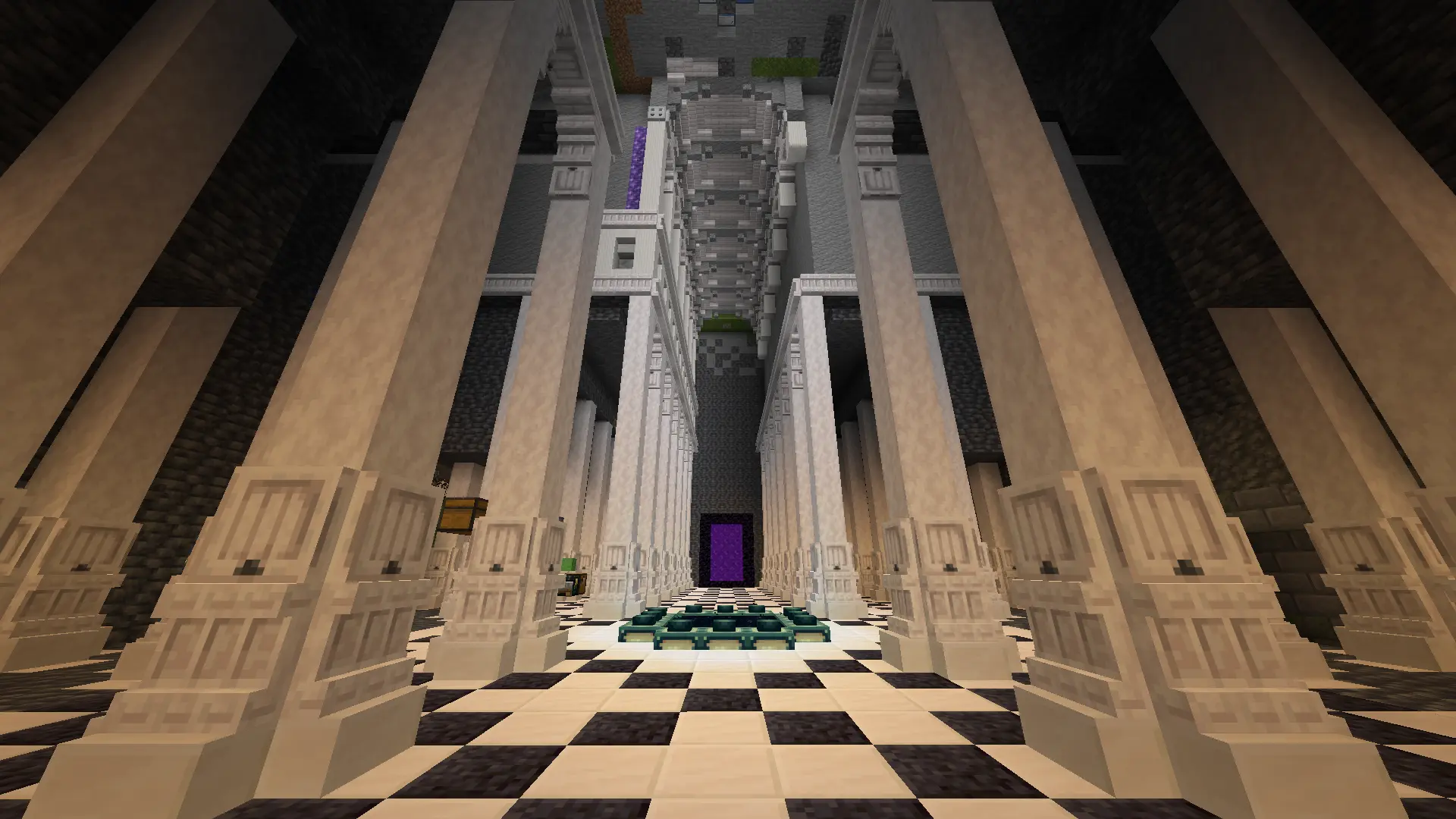
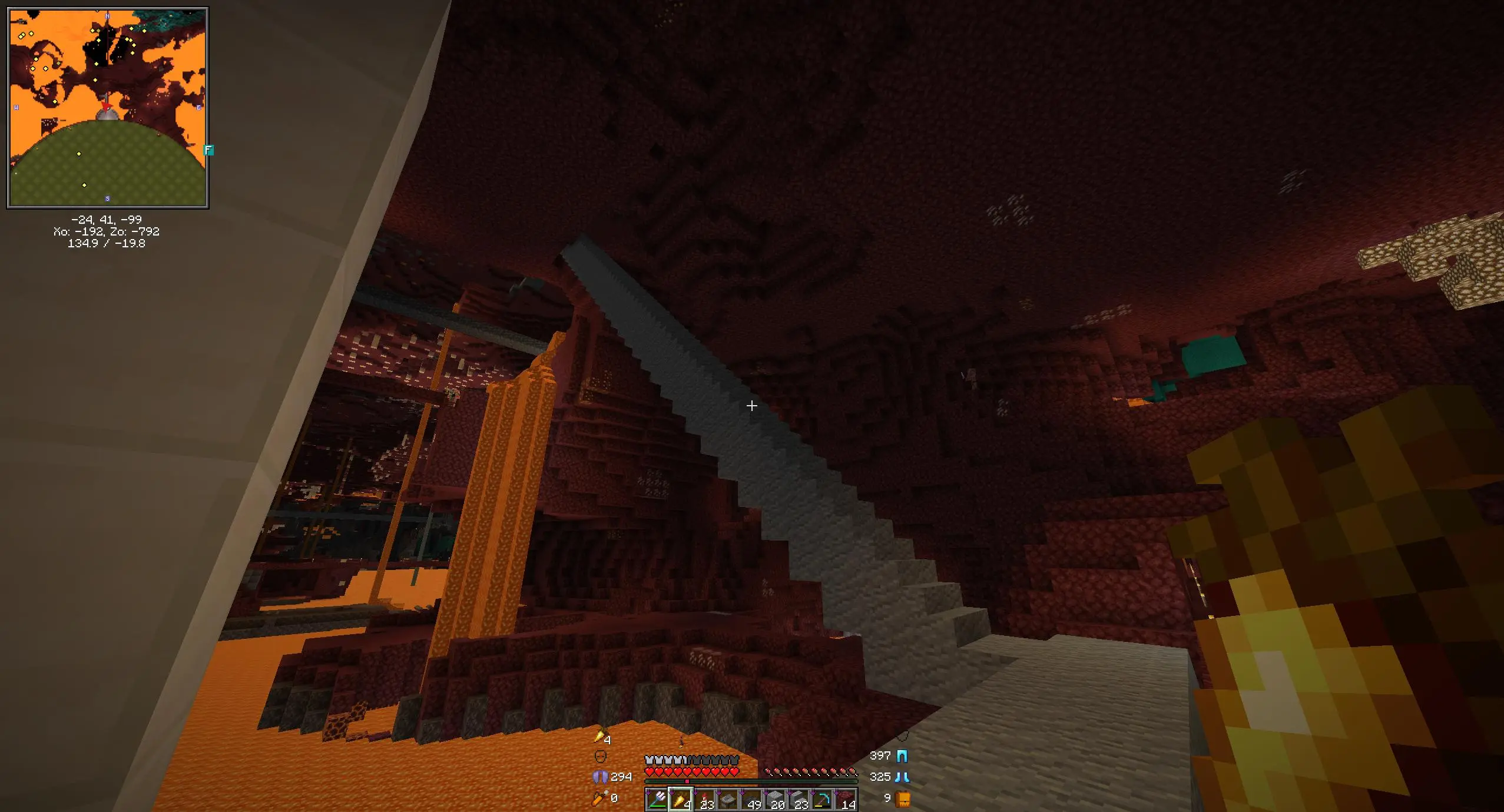
      So, with all that, I'll move some of my minecraft screenshots off of imgur via this tool:

      $ imup \
        'https://i.imgur.com/ecokmB1.png' 'https://i.imgur.com/UNs1mlr.jpeg' 'https://i.imgur.com/83ChnpP.png' \
        2026-01-20_22.15.08.png  2026-01-21_23.06.18.png \
        --tag mc
      
      Output

      Note the ones from the screenshots folder are skipped, since I already ran imup * --tag mc in that directory. Also note that one of the imgur screenshots is skipped, because it came from one of those files.

      I expect the two workflows from here on will be one of:

      • Navigate to my minecraft screenshots directory and execute imup $(date -I)_*.png to share recent updates on the weekly thread. Now just run imup *.png.
      • Prt Sc; "Copy to Clipboard"; imup; Paste the url.

      Some adjustments I might make in the future are:

      • Instead of naming the file by a uuid, name the file by a hash. This way reuploading files won't explode the size of that directory - my "weekly update" thing could just be imup *.png in the screenshots directory. This is done.

      • Synchronize via rsync instead of scp. It should be faster. Instead I now synchronize via temporary sshfs. I think rsync in principle could be faster but this is easier.

      • Set up an sshfs mount with this connection so my minecraft screenshots folder links directly to the static files, like https://i.allemangd.dev/mc/<date>.png. Then no manual commands are necessary. I'm a little hesitant to do that, though, since I'm not sure what happens if I put sshfs to offline host in my fstab, and probably not all my screenshots need to be public. I think I will not do this for fear of accidentally leaking something via an automatically-uploaded file in that directory. Better to be explicit.


      UPDATE: I've rewritten the thing in Python. I now name the files by hash and have a simple linking scheme for "tags". Installation is as easy as uv tool install git+https://git.allemangd.dev/me/imup, and I can carry my config around in dotfiles.

      39 votes
    18. What programming/technical projects have you been working on?

      This is a recurring post to discuss programming or other technical projects that we've been working on. Tell us about one of your recent projects, either at work or personal projects. What's...

      This is a recurring post to discuss programming or other technical projects that we've been working on. Tell us about one of your recent projects, either at work or personal projects. What's interesting about it? Are you having trouble with anything?

      17 votes